
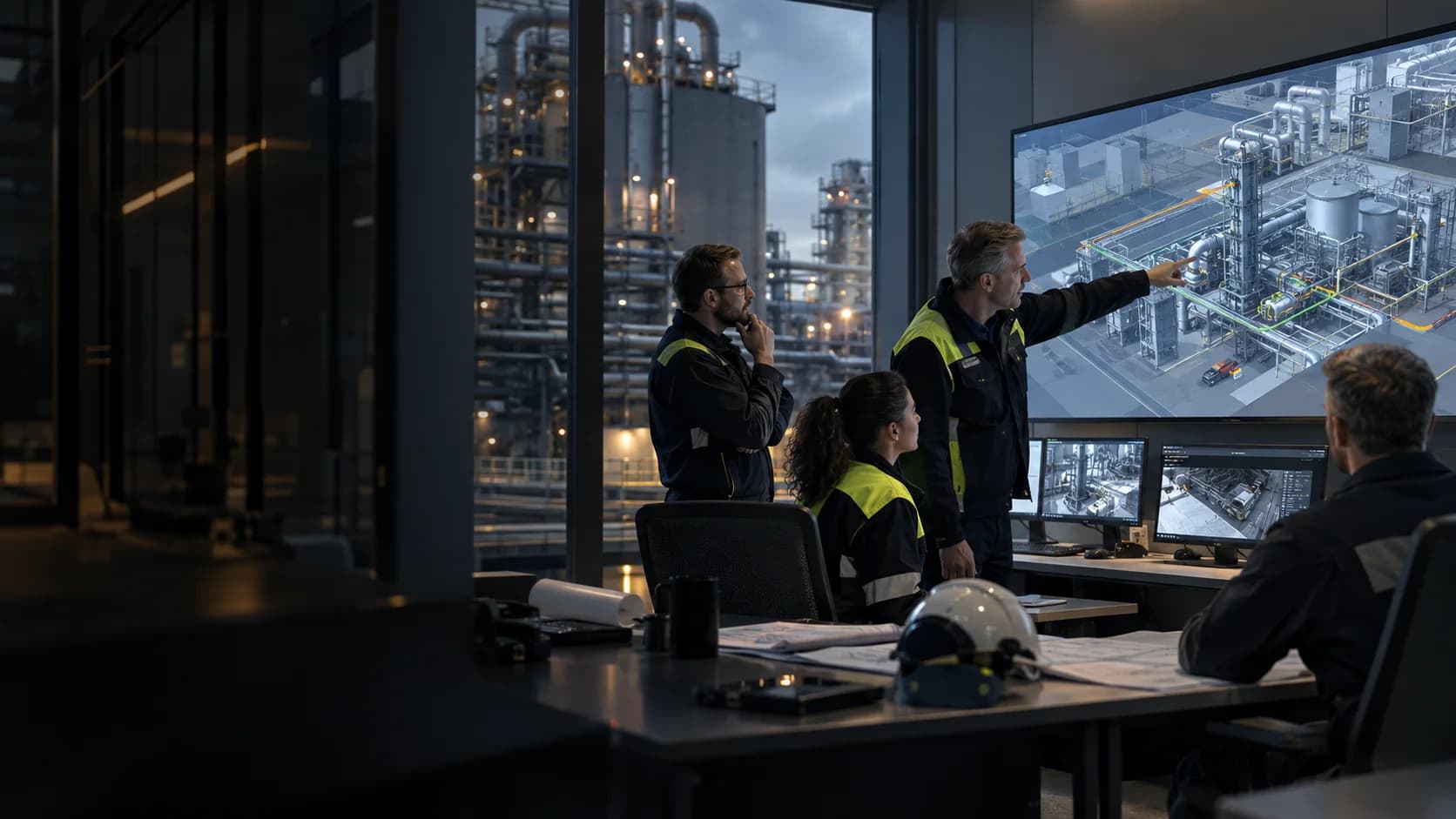
See the dependencies.
Trace how a change to one machine, route or process stage could affect the rest of the operation.
Loading operating surface
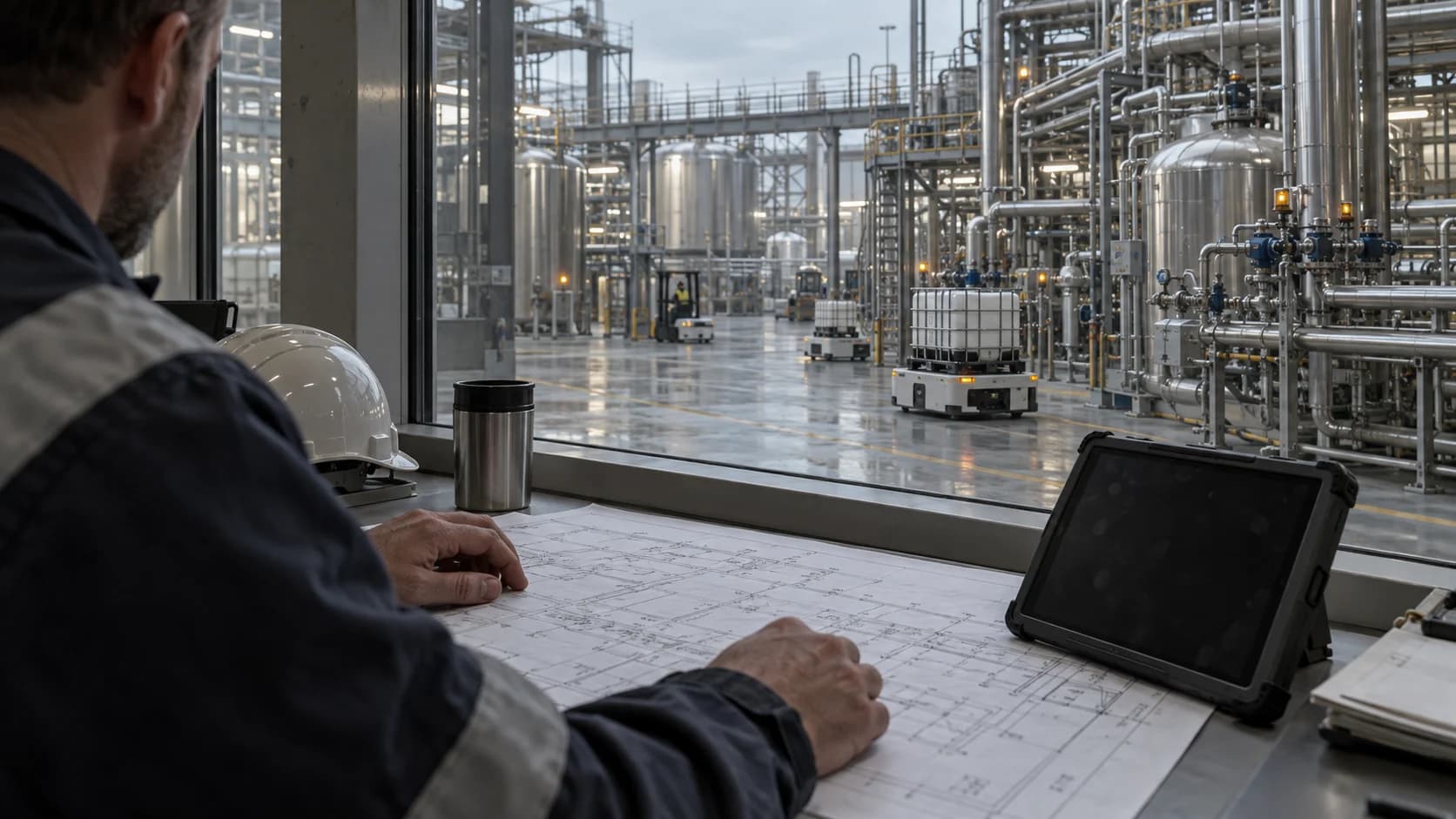
missionSTUDIO / Physical AI & world models
Explore agentic and Physical AI fleet safety and optimisation in simulation. Model processes and mixed fleets, compare changes and review the evidence before a field trial.
Why missionSTUDIO
Give engineering and operations one place to compare options, expose assumptions and decide what deserves a real-world test.
Trace how a change to one machine, route or process stage could affect the rest of the operation.
Run a baseline and a candidate under the same assumptions. Explore throughput, congestion and process behaviour within the model.
Keep the scenario, assumptions and revision together. Let the next reviewer see what changed and why.
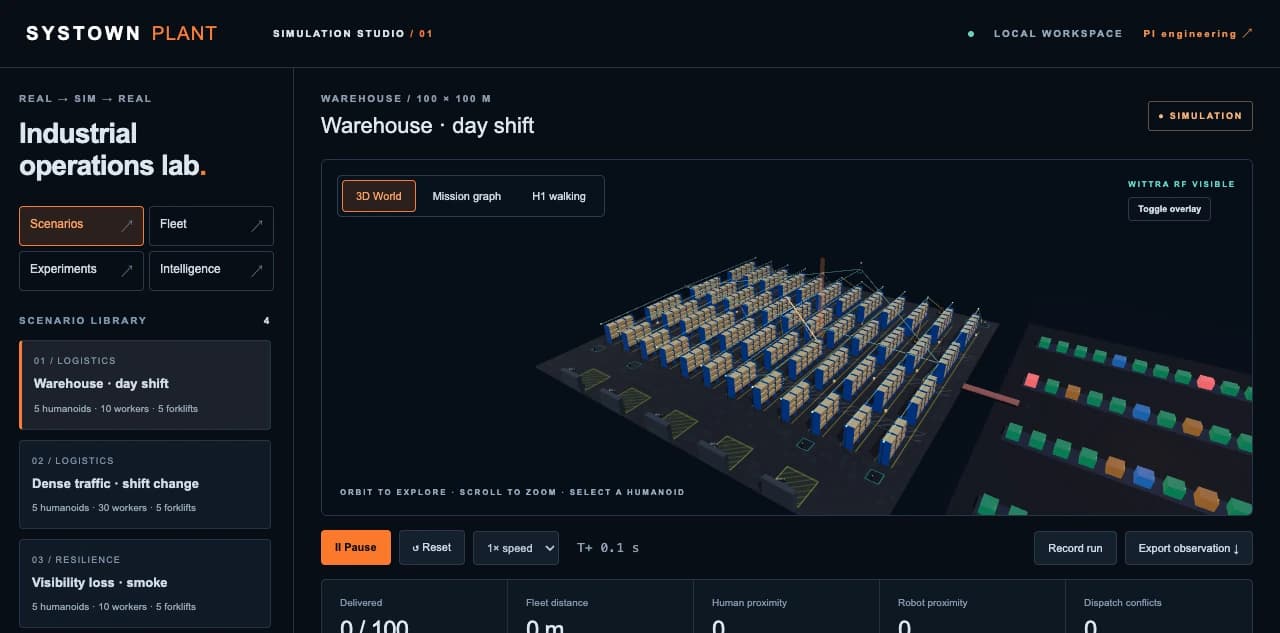
Simulate / Warehouse workspace
Explore the warehouse from above, follow activity at aisle level and compare scenarios. Give everyone the same model to inspect before a field trial.
Real → Sim → Real
Bring what you know about the site into simulation. Take what you learn back into a controlled trial.
Start with the assets, process history and spatial measurements available at your site. Record sources, timestamps and uncertainty.
Build the scenario. Test assumptions, introduce faults and replay outcomes. Compare candidates before choosing a trial.
Take the reviewed evidence into site commissioning. Operators set the limits, approvals and measurements for any physical change.
Simulate currently supports local modelling and simulation. Site predictions require calibrated models; physical changes require separate commissioning and approval.
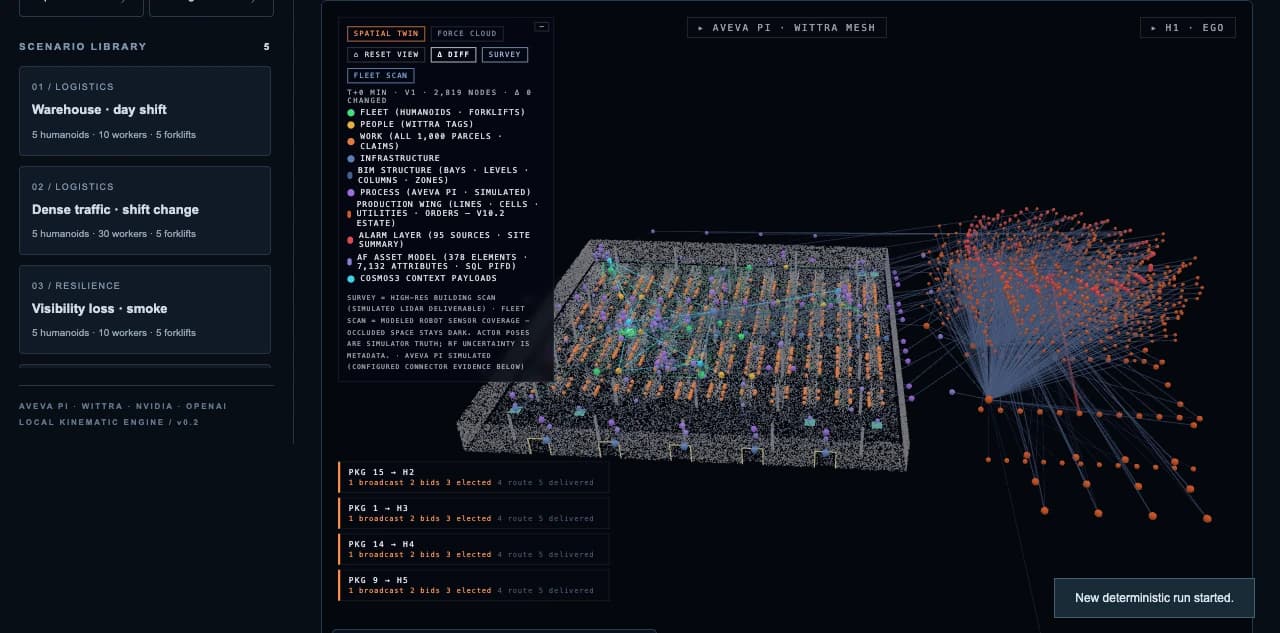
missionGRAPH / Context
Relate equipment, work, geometry and observations in a shared operating picture. A temperature belongs to a vessel. A position belongs to a moving asset. A reading carries its source and time.
Connect the reading to the equipment, the work in progress and the conditions around it. That is the context a world model needs to relate a prediction to the site.
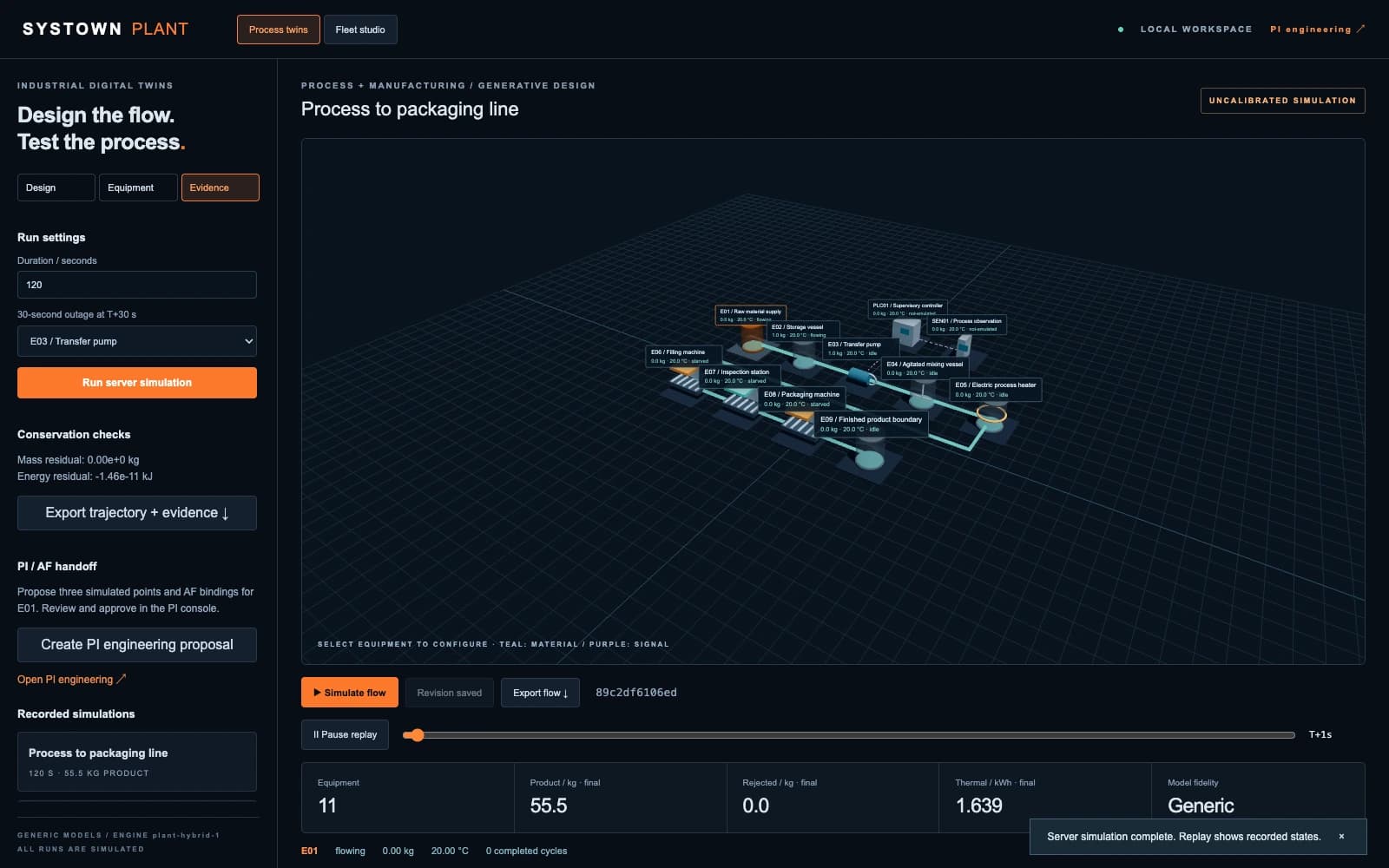
Simulate / Formerly Systown PLANT
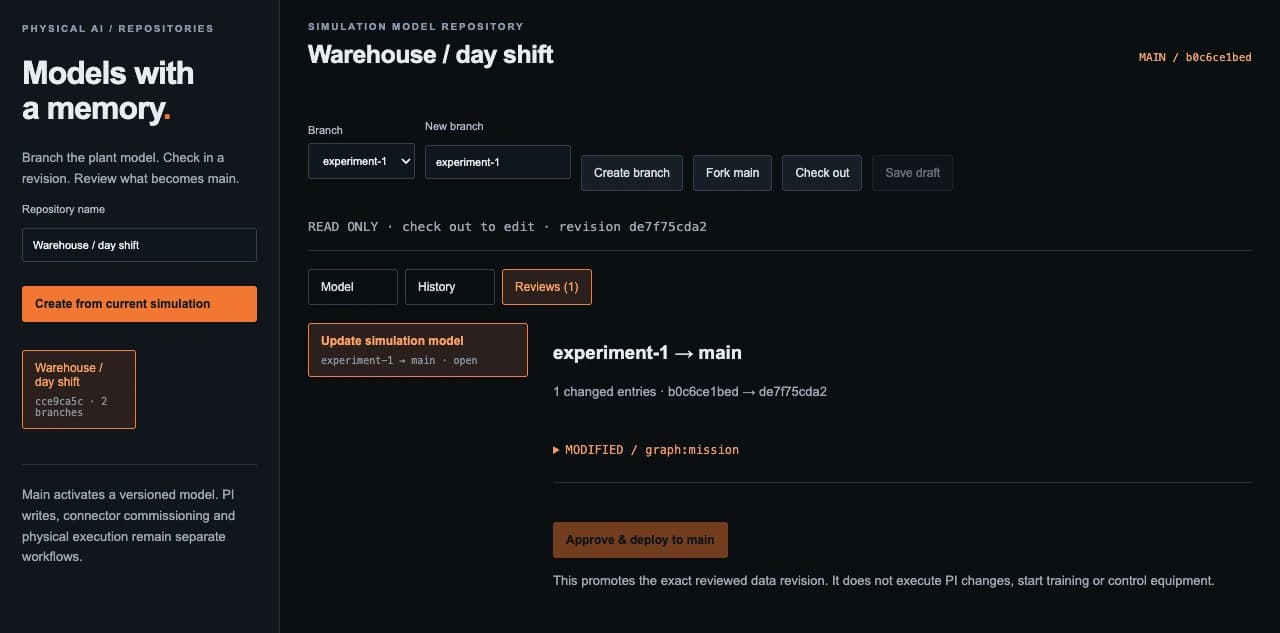
Connect process stages, configure a scenario and introduce an outage. Follow the recorded equipment states. Branch an experiment and review which revision becomes the next shared model.
The PLANT workspace becomes Simulate within missionSTUDIO. Existing screenshots retain their original product labels.
Coordination & edge / Product direction
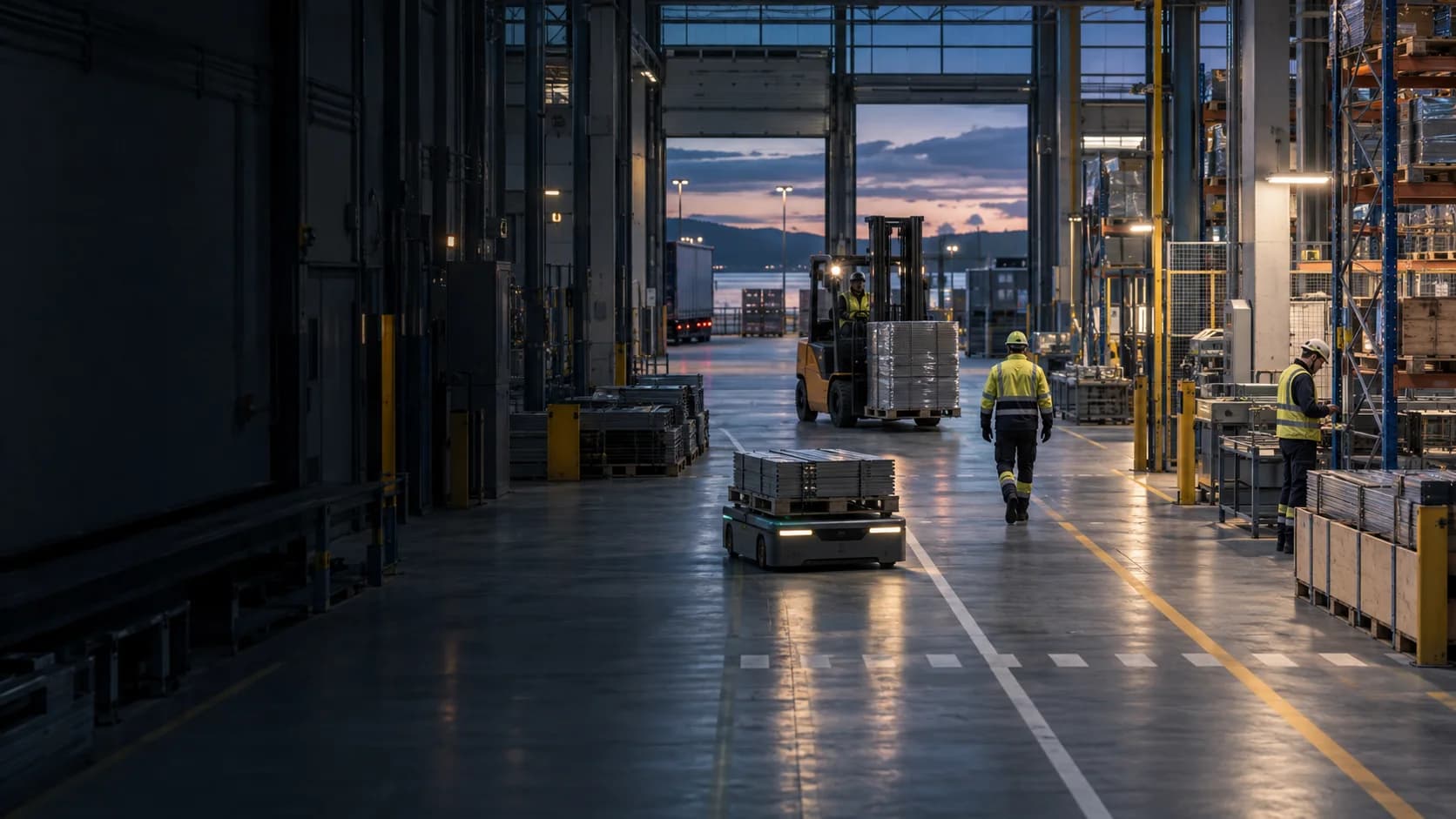
The site model gives people a place to examine fleet decisions before any equipment is asked to act.
Proposed assignments and routes for a mixed fleet, using missionGRAPH context and operator-set constraints.
Proposed local stop, yield, hold and re-route behaviours. Timing and limits need target-system evaluation.
Operators set proposal, review and stop rules. Model suggestions stay separate from equipment control.
Industrial history × spatial context × world models
Integration begins with the site you actually have: its identifiers, instruments, network and permissions.
Bring process history and asset structure into the engineering workflow. Agree point mappings, access and permitted operations before connecting a live installation.
Add measured position and sensor context where spatial information matters. Deployment requires coverage assessment, coordinate-frame calibration and measured uncertainty.
The world-model integration direction for physical scenarios. Define the model, training scope and evaluation against the particular operation you need to understand.
Scope OPC UA, ROS 2 and MCP interfaces around the source systems and control boundaries of your operation.
Evidence before execution
Branch an experiment without losing the starting point. Compare revisions, inspect the results and record why a model was chosen. Make the next review easier to follow.
Explore our research approach and claim boundaries.
Questions, answered
missionSTUDIO brings industrial context, modelling and simulation into one workspace for Physical AI use cases. Its current Simulate workspace supports local process and warehouse scenarios. Fleet coordination, edge execution and world-model integration are product directions that require their own evaluation and commissioning.
A world model represents an environment and predicts how it may change, sometimes in response to an action. It can support scenario generation and planning. A plausible prediction still needs validation against measurements before it can inform a site decision.
missionGRAPH provides the context: assets, places, work and observations with their sources and times. missionCORTEX is the coordination direction: using shared context to propose assignments and routes for a mixed fleet within operator-defined constraints.
AVEVA PI/AF and Wittra are integration paths for process history, asset structure and spatial measurements. A live installation needs access permissions, point and asset mappings, site configuration and spatial calibration. The screenshots on this page use simulation data.
No. The demonstrated Simulate workspace models scenarios and supports review; it does not provide physical actuator control. Moving from a model result to a field trial requires calibrated assumptions, authorised controls and separate site approval.
Start with one operation
Bring one process, fleet or world-model use case. We’ll identify the source data, the model and the evidence needed for a useful first evaluation.
Existing PLANT subscribers
Returning from an earlier PLANT email? You can rejoin the original updates list here. For a new project, book a missionSTUDIO demo above.